Smart quit on the red button
When you click close, the app is asked to quit normally only after its last standard window closes.
The window is closed, but the app is still sitting in the Dock? Neat Quit asks the app to quit normally after its last standard window closes, while keeping multi-window apps, unsaved documents and exceptions intact.
A cup of coffee, a little inspiration.
That is enough work for today.
Close this window and see what happens.
One less step, a cleaner desktop.
It handles the repeated quit step, while leaving control with you.
When you click close, the app is asked to quit normally only after its last standard window closes.
Turn on ⌘W smart quit if you want it. Tabs, failed closes or missing window information never trigger an extra quit.
Keep background apps out of it with an exceptions list, and let Neat Quit start quietly at login.
$0 forever
Turn closing the window into actually quitting.
$4.99 one-time
Unlock keyboard and exception control on up to 3 Macs.
Already purchased? Open “License…” from the menu bar and enter your key. Existing users keep Pro after upgrading. Use it on up to 3 Macs; deactivate an old Mac before switching.Need help?
The menu bar control, version and permission details all live in a quiet small panel. No guesswork, and no change to how you already work.
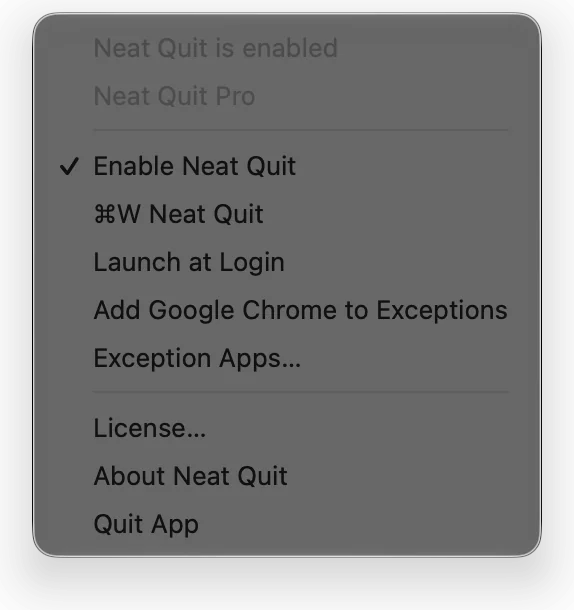
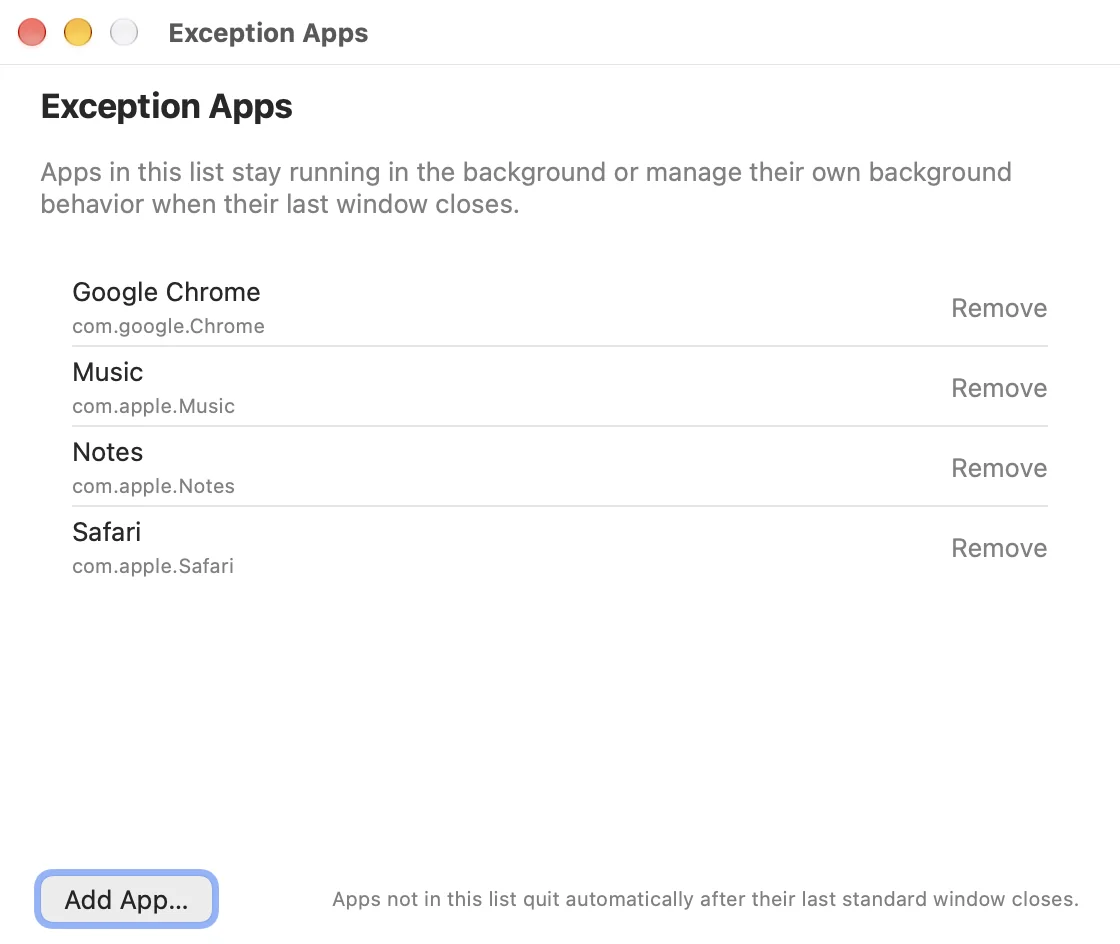
The closing demo at the top of this page is a web interaction illustration, not a screen recording of the app.
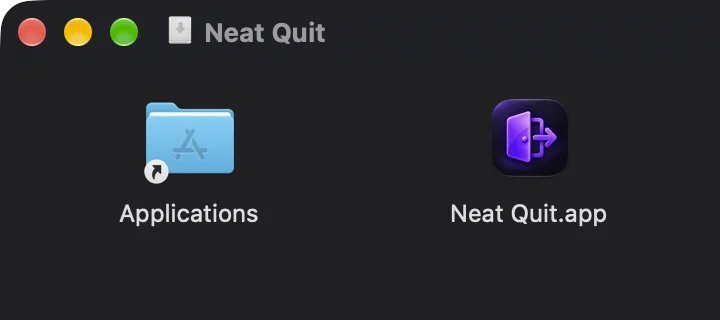
From download to your first smart quit, it takes one install and one permission. ⌘W smart quit is optional and may need an additional Input Monitoring permission.
You close the window.
Neat Quit handles the rest.
Less clicking.
More flow.
These answers reflect the actual behavior of v1.4.1.
On macOS, closing a window and quitting an app are usually two separate things. Many apps keep running after their last window closes. Neat Quit takes care of that extra step.
No. Neat Quit sends a normal quit request, so the target app can still show its unsaved-document prompt. If it cannot determine the window type, count or accessibility information, it leaves the original close behavior untouched.
macOS 13 or later. The red-button feature needs Accessibility permission; the optional ⌘W smart quit may also need Input Monitoring.
Add apps that should keep running in the background to the exceptions list. Apps with incomplete accessibility information may also keep the system's default behavior.
Download the DMG and drag Neat Quit into Applications. The installer is signed and notarized; the app checks for updates once a day and can also check manually from “About Neat Quit”.
The free version keeps red-button auto quit, launch at login and the menu bar toggle. Pro unlocks ⌘W smart quit and the exception apps list. New users get a 7-day full-feature trial, then a one-time $4.99 purchase for up to 3 Macs.
Your license key appears on the order page and is emailed to you. Open “License…” from the menu bar and enter it. Each key covers up to 3 Macs; deactivate an old Mac before activating a new one.
Neat Quit is the English name; 智能退出 is the official Chinese name. It is the first Mac app from the independent BGM studio.
Still need help? See installation, permissions, uninstall and troubleshooting ↗
For macOS 13 and later. Developer ID signed and Apple notarized, so you can install it right after downloading.
These values come from the official installer and the public update feed. Use them to verify your download.
680e405df22ef6d550ea69738d35c3b922f8d4bfa3a84c77e823393352a06cefVerify your download with shasum -a 256 ~/Downloads/NeatQuit-v1.4.1.dmg. See the full changelog and backup entry ↗